VediramVediram

Levee · AI agent governanceGive the agent one way out. Make it a door you control.

Levee runs each AI agent in a kernel-enforced Windows container and routes every channel it can reach through a governed proxy. Each proxy is deny-default and fail-closed. A kernel firewall kills anything that tries to go around them.

Preview · design partnersSeven governed channelsNo Hyper-VWindows 11 · 22H2+

For security-conscious enterprises putting AI agents to work on Windows. Levee is in preview and not yet generally available. We are onboarding design partners now.

The situation

Your security team is right to hesitate.

Every objection here is correct. None of them is a reason to ban agents. Together they specify the control that makes agents safe.

An agent inherits the full access of whoever launched it.

It can read sensitive files, call external APIs, move data between systems, and query databases. Nothing in its permission model stops a prompt-injected request from doing exactly the same.

Banning agents keeps the audit clean and loses the productivity race.

It is defensible. Your competitors are not banning agents.

Shadow AI is already inside the perimeter.

Employees who want these tools will find ways to use them. You decide only whether that use happens inside a policy boundary with an audit trail, or outside one with neither.

Endpoint security and permission prompts do not close it.

Defender and CrowdStrike see processes and cannot tell what an agent is doing inside one. An LLM permission prompt can be bypassed by prompt injection, the attack that turns a well-intentioned agent into an attacker’s proxy.

The design assumption

Levee assumes the agent is already compromised.

Prompt injection works. A well-intentioned agent can be turned into an attacker running code inside your network with the launching employee’s access. So Levee trusts nothing that crosses the sandbox boundary, enforces every rule at the OS level, and treats the model’s own judgment as no control at all.

That assumption shapes the architecture. The agent gets a normal coding environment. The enterprise gets a boundary the agent cannot argue with.

The architecture

The one way out

The sandbox has no open network. Every channel out of it terminates at a Levee proxy. Select a gate to see how that channel is governed.

Untrusted
AI agentAssumed hostileWindows container · process isolation · no Hyper-V
WFP kernel firewallPermits the proxy ports. Blocks every other path. Traffic that sidesteps a proxy dies in the kernel.

Each gate writes to the immutable audit trail before the action completes. If the audit write fails, the action fails.

Real systems

Production databases, corporate web, model providers, the Office estate, reached with credentials the agent never holds.

Web

All HTTP and HTTPS traffic from the sandbox terminates at the web proxy. Policy names the domains, ports, and HTTP methods the agent may use; everything else receives the same 403.

The proxy validates both ends of every connection. The TLS handshake must name the host the agent asked for. DNS answers that point a public name at a private address are rejected, which closes the redirect tricks that turn an agent into a scanner of your internal network. The validated address is pinned for the life of the connection.

For domains you choose, the proxy inspects TLS traffic using a certificate authority created in memory at startup. Its private key never touches disk and dies with the process. Inspected responses stream through as they arrive, so token streams and long-running requests work under inspection.

When an agent hits a sign-in wall on an approved site, the user signs in through a separate window Levee controls. The proxy injects the session at the network edge for that host only. The agent uses the authenticated session and never sees the cookie. Corporate PAC and upstream proxy configurations are honored.
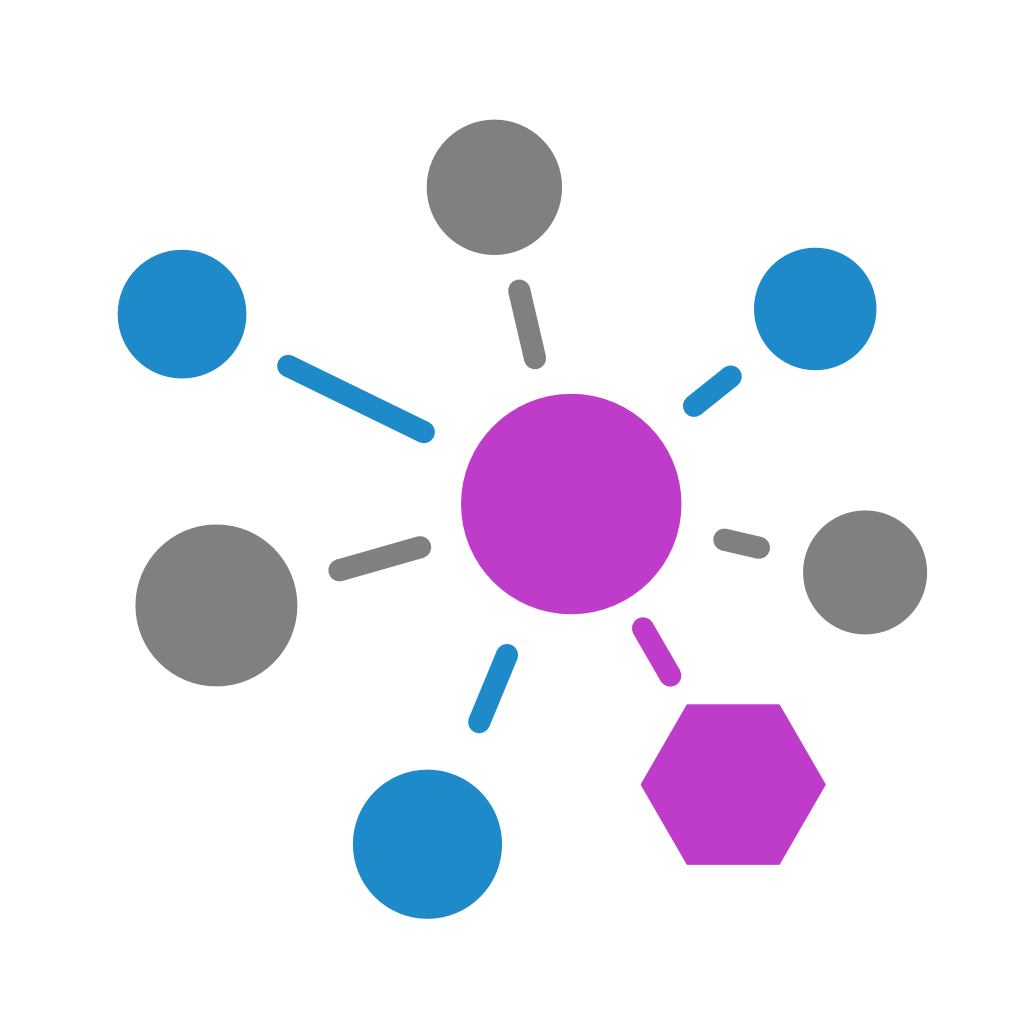
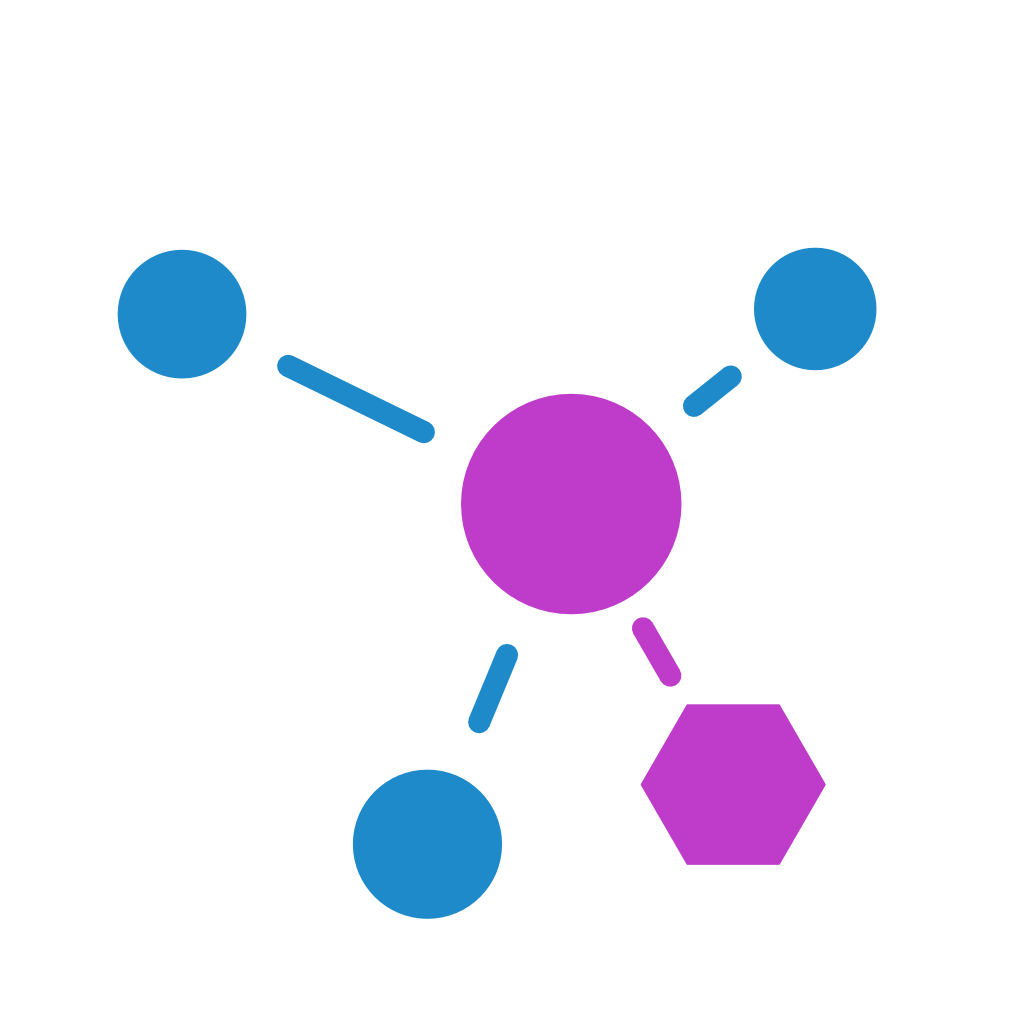
Never enters the sandboxsession cookies · inspection CA private key

LLM APIs

The agent’s model calls route through the LLM proxy, which speaks the Anthropic and OpenAI protocols and forwards to Anthropic, OpenAI, Azure OpenAI, Azure AI Foundry, or AWS Bedrock.

The real provider key never enters the sandbox. The agent holds a placeholder; the proxy validates it and substitutes the real key on the host side. A prompt-injected agent that exfiltrates its own environment exfiltrates nothing.

Policy names the models the agent may call, sets token budgets per session and per day, and caps concurrent requests. Budgets reconcile against actual usage as responses stream. First use of a model can require human approval.

Never enters the sandboxprovider API keys

Databases

The agent sees an ODBC driver and an alias. The connection string, the server name, and the credentials stay on the host.

Every SQL statement is parsed outside the sandbox before it runs. Policy names the verbs and tables each alias may touch, screens for multi-statement and dangerous patterns, caps rows per query, and enforces query timeouts. Tables the policy denies are filtered out of schema metadata: the agent cannot list what it cannot touch.

Never enters the sandboxconnection string · server name · credentials

Files

The workspace the agent sees is a mediated filesystem served from the host. Paths the policy has not granted do not exist in it; the agent cannot browse toward what it cannot open.

An out-of-policy access prompts the user with the exact path and the exact access requested. A grant covers that path alone, never a subtree, so the agent cannot pick its own blast radius by asking for a convenient parent folder. A read approval does not cover a later write; the write asks again. Junctions and symlinks are re-resolved after every open, and anything escaping the granted boundary is denied at the handle.

Never enters the sandboxany path outside the explicit grant

Office

Word, Excel, PowerPoint, and Outlook are reachable through a fixed table of 21 operations: read a document, write a range, insert a slide, open a draft, and their peers. There is no send operation, no delete operation, no macro operation. What the table does not contain cannot be called.

Policy scopes each operation by file pattern, range, and recipient, and the allow-or-deny decision is made outside the sandbox before an operation reaches a document. An agent drafts the email; a person sends it.

Does not exist in the operation tablesend · delete · macro

Packages

npm and pip resolve through Levee to your approved registry. Only allowlisted packages resolve, and a denied package is indistinguishable from one that does not exist, so the agent cannot map the allowlist by probing. Registry credentials attach on the host side and never enter the sandbox.

Never enters the sandboxregistry credentials
The shared contract

Seven proxies, one contract.

Each channel needs its own protocol handling. None of them gets its own security posture. Every proxy above honours all six of these rules.

Deny-default
Each proxy enforces an allowlist. What the policy does not name does not resolve.
Fail-closed
A proxy that loses its policy connection stops answering yes. Ambiguity means denial, never a guess.
Normalized denials
Every denial looks identical to the agent, whatever the reason. A compromised agent cannot probe the policy to map your network.
Audit before action
Each proxy writes the request to the audit trail before the action completes. If the audit write fails, the action fails.
Human approval where policy is silent
An out-of-policy request can prompt the user with the exact resource and access level. Approve once or persist the grant; new policy clears standing grants.
Credentials stay on the host
No proxy passes a real API key, connection string, or session cookie into the sandbox. The agent works against real systems and never holds the secret.
The backstop

A kernel firewall

Pointing the agent at proxies is not enough. A client can ignore proxy variables; code can open raw sockets. So Levee installs Windows Filtering Platform rules in the kernel for each container: permit the proxy ports, block everything else. Traffic that sidesteps the proxies dies at the kernel.

If the web proxy is not ready, or the kernel filters cannot be installed, the container does not start. Levee never runs an agent unfiltered.

The rules are set at container launch, and nothing inside the sandbox has to cooperate for them to hold.

The foundation

The sandbox and the trail

The container

Each agent runs in a Windows container using process isolation: a kernel-enforced boundary with no Hyper-V requirement. The agent gets a full environment, mounted read-only from an admin-curated catalog.

PowerShellGitPythonNode.jsClaude CodeCodex CLICopilot CLI

The trail

Every proxy decision, approval, denial, container start and stop writes to a local audit trail: a queryable database plus an append-only log your SIEM can ingest. Written by the enforcement layer, owned by SYSTEM, readable by the user. The agent cannot reach it and the user cannot rewrite it.

which agentwhich resourceunder which policyapproved by whomat what time

The full mechanism, with policy and audit artifacts

Deployment

Run it where your fleet lives

Install
One MSI, deployed with Intune, SCCM, or the endpoint tooling you already run.
Policy
A single document the service hot-reloads. Set locally, or synced from your tenant.
For users
A desktop app for approvals, activity, and the terminal.
For admins
The levee CLI: scripting, diagnostics, and audit tail.
Requires
Windows 11 Pro, Enterprise, or Education, 22H2 or later. Windows 11 Home is not supported.

No hypervisor means the VDI estate is in scope

Because Levee uses process isolation rather than a hypervisor, it runs where nested virtualization is unavailable: Azure Virtual Desktop and Windows 365 on any size, Citrix and VMware Horizon on any hypervisor, with no host reconfiguration.
Fleet governance

Enforcement is local. Governance is central.

Each workstation enrols with the Vediram backplane under a machine identity. You author the tenant policy in the console; every enrolled machine syncs it and enforces it locally.

On the workstation

The record of enforcement

Enforcement never depends on the cloud. A machine that cannot reach the backplane keeps enforcing its last verified policy, and egress stays deny-default even when the policy document is silent.

The local trail stays the record: written on the machine, readable by your SIEM from the append-only log. The fleet view adds reach. The record stays on the machine.

In the console

Reports a security team can act on

Every workstation forwards its governance events: requests, approvals, denials, container lifecycle, policy reloads. The console turns them into the fleet view: which machines run agents, under which policy version, what was denied this week, which approvals humans granted, and what each user’s agents consumed in tokens and cost, by model.

Evidence exports hand the audit team the trail without touching a workstation. Levee and Spillway report on the same governance schema, so the console shows the agents your people run and the vendor AI apps you deploy in one account.

Scope, stated plainly

Levee is in preview; design partners run it today, and general availability follows. All seven proxies ship in the launch build. Levee runs on Windows 11 Pro, Enterprise, and Education, 22H2 or later; Windows 11 Home is not supported. Vediram is based in Lausanne, Switzerland. Agent traffic is processed on the workstation; no agent traffic routes through Vediram servers. Fleet reporting forwards governance events only, under a policy switch you control, and the local audit trail stays yours.

Put an agent to work inside a boundary your auditor can read.

Design partners run Levee against real projects, shape the policy schema and the audit format, and take priority when general availability opens. If your security team needs proof before it says yes to agents, start here.

We respond within two business days. No commitment required.